'/%3E%3C/svg%3E)

Mill Gen 3 Panel Heaters and our new Smart Plug are now compatible with Matter and Homey for seamless control.
We are excited to launch a range of integrations that let you control your heating alongside your other smart home products.
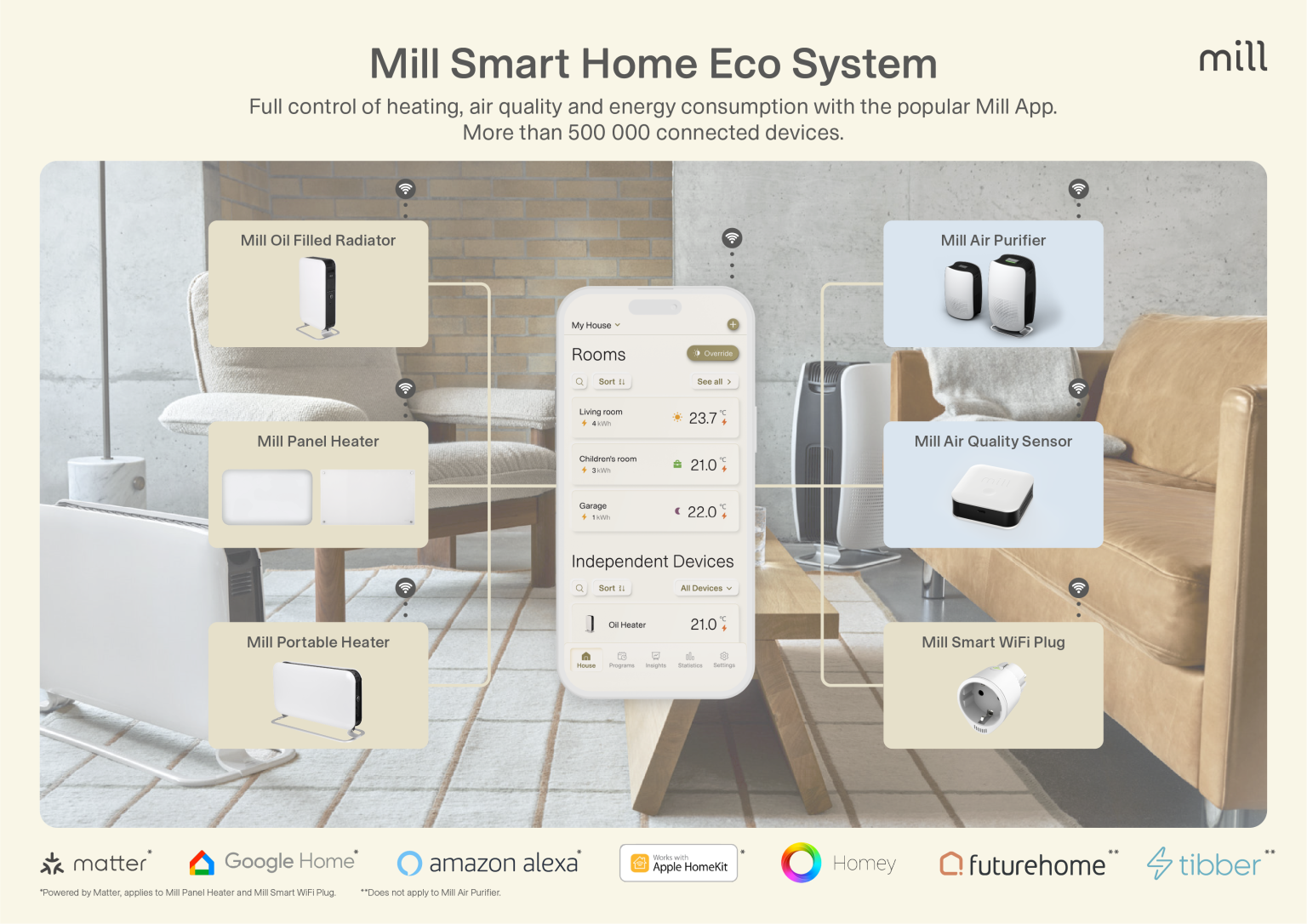
With Matter, you can now manage Mill WiFi Gen 3 panel heaters and Mill Smart WiFi Plug through Amazon Alexa, Apple Home, and Google Home.
Additionally, all Mill WiFi products (excluding Gen 1) are now compatible with Homey for easy control.
How to Connect Your Device to Matter
To control your Mill WiFi Gen 3 panel heater and Mill Smart WiFi Plug with Amazon Alexa, Google Home, or Apple HomeKit, you must first activate Matter:
- Download the Mill app and log in.
- Tap “Settings” in the bottom right corner.
- Select “Activate Matter” and choose your device from the list.
- Follow the installation guide.
- After activation, you’ll receive the Matter QR code and Pin code via email (the email associated with your Mill app account). You’ll need these codes to connect your Matter-compatible devices.
- Open your preferred smart home app (e.g., Google Home, Apple Home, Amazon Alexa), press the WiFi button on the Mill device, and follow the app’s instructions.
Note: Once Matter is activated, you will no longer be able to connect to Mill Cloud.
- How to Connect Your Device to Homey
- Download the Mill Norway app and log in.
- Tap the “+” button in the top right corner and follow the step-by-step guide to connect your device.
- Once connected, download the Homey app.
- Ensure your Homey hub is installed and configured.
- In the Homey app, go to “Devices.”
- Tap the “+” button and select “New device.”
- Search for “Mill WiFi.”
- Choose the Mill product you want to control with Homey.
- Log in with your Mill Norway app credentials.
- Your device will be found and added to Homey.
You can now control your device using both Homey and the Mill Norway app simultaneously.